Author

8 minutes
TLDR;
"Almost right" kills launch timelines. A detailed Photo Brief eliminates ambiguity by locking in deliverables, specs, and visual direction before the shoot. At Neato, this process is how we guarantee flawless Amazon creative—reducing revisions and all the back-and-forth.
"Almost right" is the most expensive phrase in Amazon creative.
The hero image that's close but needs a reshoot. The flat lay that looked great until it hit the listing. The revision cycle that pushes your launch back a week because deliverables weren't locked in upfront.
Most brands treat photoshoots as a creative problem. At Neato, we treat them as an operational one. And the difference comes down to a single document: the Photo Brief.
A Photo Brief isn't a nice-to-have template—it's the pre-production step that aligns your photographer, designer, and brand team before the camera comes out of the bag. It eliminates ambiguity by defining deliverables, locking in technical specs, and translating "we want it to feel fresh" into concrete visual direction.
This is one of the many ways we guarantee a seamless creative workflow for our clients. Here's a look inside the process.
Photo Brief Non-Negotiables
Most creative misfires trace back to the first five minutes. The brief wasn't clear on who owned what or the product line context got lost somewhere between the kickoff call and the shoot.
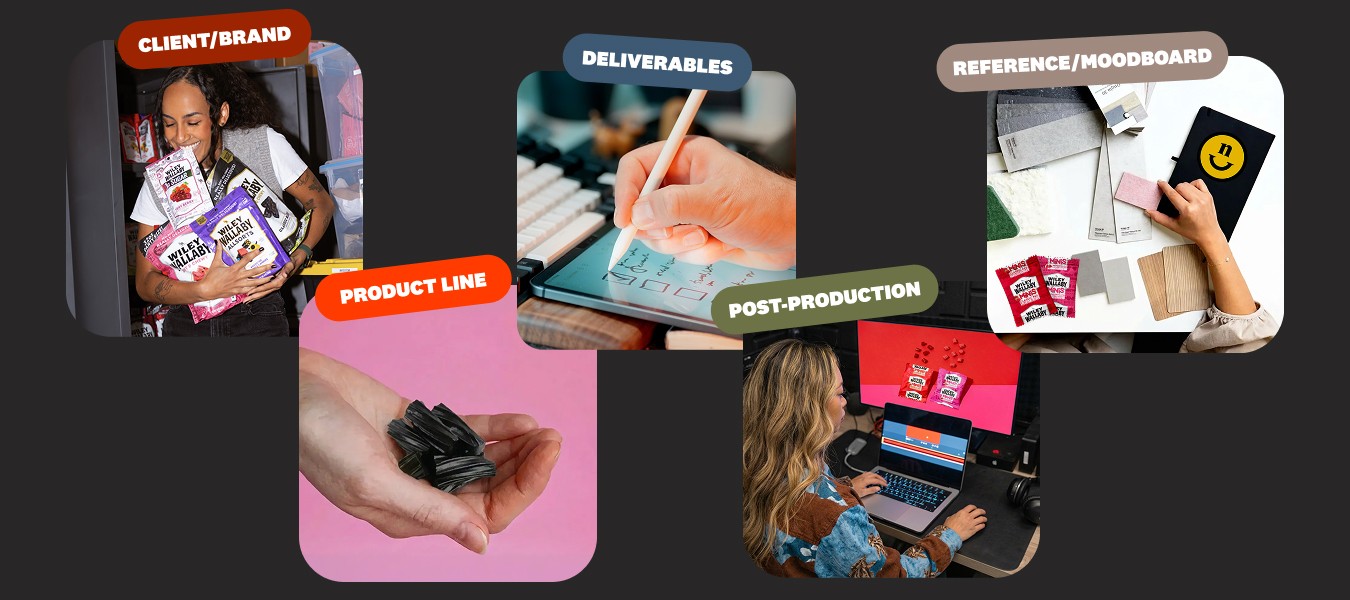
The fix is simple: define the who and the what before anything else. These top-level inputs are the non-negotiable anchor points for the entire project.
Client/Brand and Product Line: These fields immediately define the aesthetic and commercial goal. A brief for a legacy CPG brand looks different than one for a DTC challenger—this is where that context gets locked in.
The Team: Identifying the Photographer Lead and the Assigned Graphic Designer streamlines communication. The photographer knows exactly who to contact for artistic direction versus logistical questions. No guessing, no crossed wires.
Brand Guidelines, Props, and Pre-Production Checkpoints

This is where the brief gets specific. Brand guidelines, props, ingredients, lighting approach—every detail that shapes the shoot lives here.
Lighting Test Notation: The full lighting test happens in pre-production, but the brief confirms the approach—high-contrast, soft shadow, backlit—so there's no ambiguity on shoot day.
Brand Guidelines and Product Context: These give the photographer what they need to make on-set decisions that support the product story. Without them, you get technically fine images that miss the brand.
Moodboard: Visual aids for tone, style, and set design. The photographer shows up prepared to execute the tested lighting style—not figure it out on the fly.
The Power of a Moodboard and Context
Describing a "fun vibe" is subjective. Showing it is objective. This is where most creative briefs fall apart. The brand says "fresh and playful." The photographer interprets that as bright lighting and negative space. The brand meant bold colors and tight crops. Three weeks later, you're reshooting.
A moodboard eliminates that gap. It moves the conversation from abstract terms to concrete visual evidence, so the photographer isn't guessing at your aesthetic. They're executing it.
Reference Photos
Include a Still Life Example and a Flat Lay Example that show the exact lighting, composition, and styling you expect. These aren't inspiration. They're the standard.
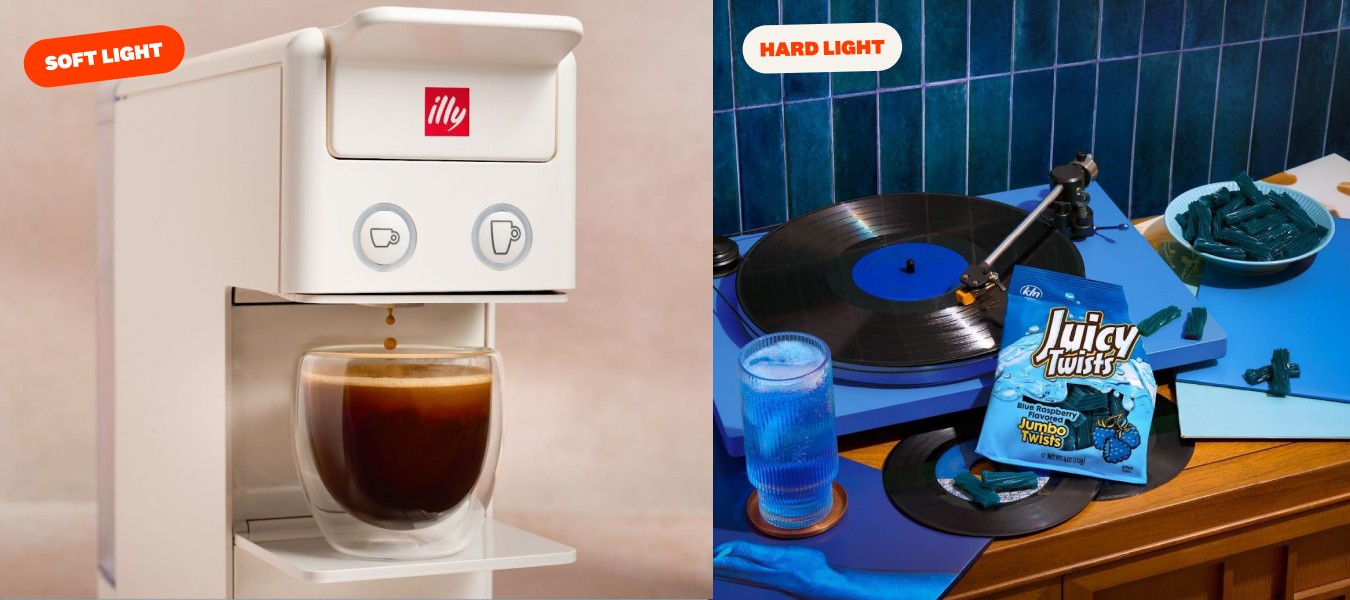
Lighting Direction
Soft light and hard light tell completely different product stories. A moodboard that specifies the lighting approach (not just the "mood") prevents the most common on-set misalignment.
What "Good" Looks Like
If you have past shoots that nailed it, include them. Give the photographer a target, not a guessing game.
Deliverables That Protect Your Launch
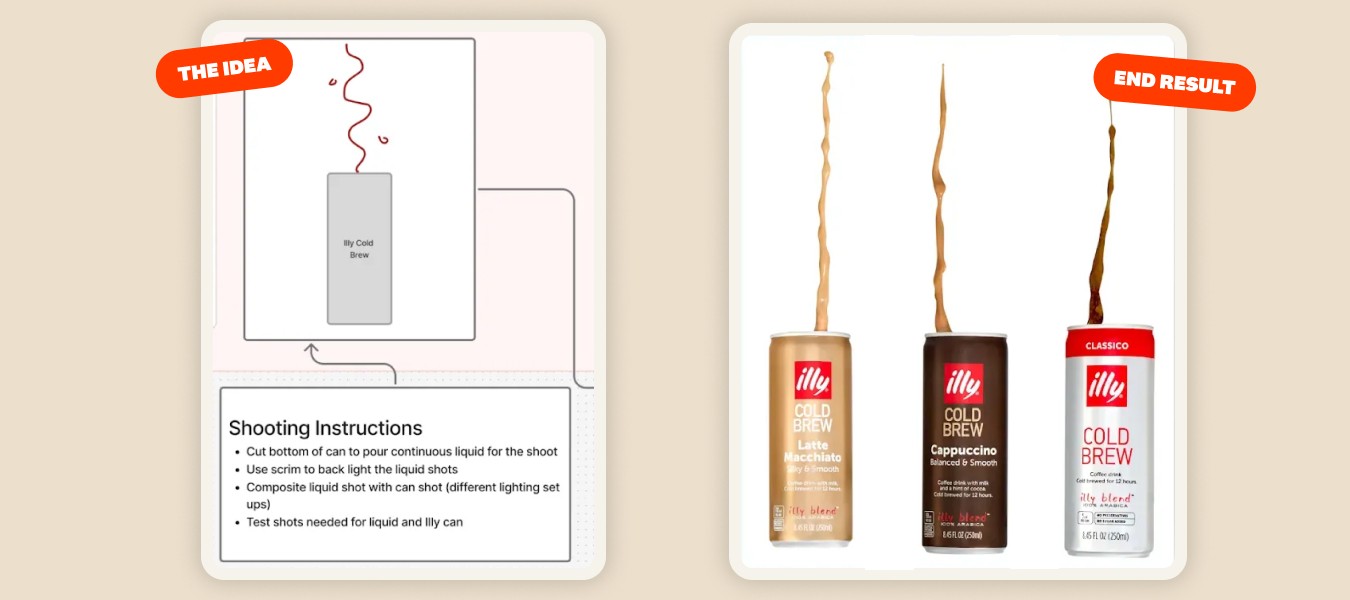
Nothing slows down a campaign launch like realizing you're missing a product angle. The listing is ready. The A+ Content is built. But you don't have the hero shot, and now the whole timeline shifts.
This section turns the abstract project goal into a structured checklist of finished assets. Every shot accounted for before the camera comes out.
Images and Deliverables: Lock in the total number and type of assets required. If it's not on this list, it's not getting shot.
The Image Stack Breakdown: Separate deliverables by type (Still Life, Flat Lays, Lifestyle) so every required perspective is captured for e-commerce, social, and print. No scrambling post-shoot to fill gaps.
Specific Requirements: Unique angles, marketing requests, seasonal campaign needs. If there's a shot that has to happen, this is where it gets documented.
Locking Down the Technical Specs
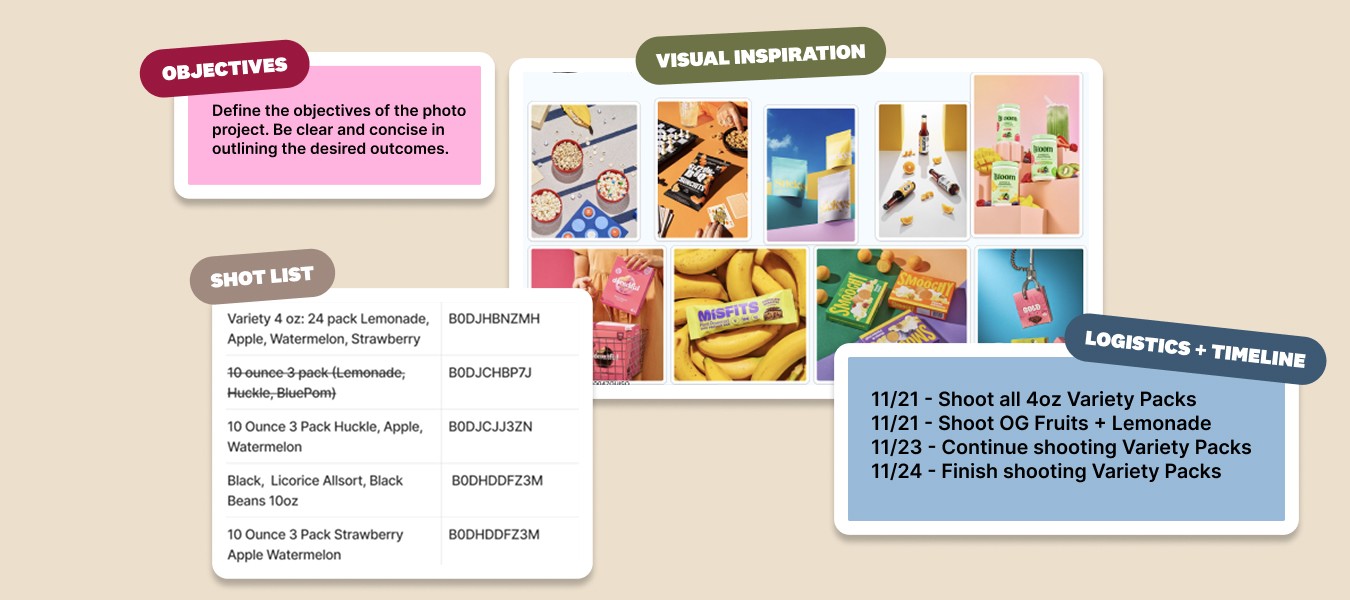
Post-production becomes a nightmare when technical specs aren't locked in upfront. The creative can be flawless, but if the file format is wrong or the images aren't isolated, your design team is stuck.
This section eliminates that bottleneck before it starts.
File Outputs: JPG, PNG, or PSD? Decide before the shoot, not after delivery. Wrong file types create rework that shouldn't exist.
Color Matching Notes: Brand fidelity lives in the details. This checkpoint ensures consistency across listings, social, and print.
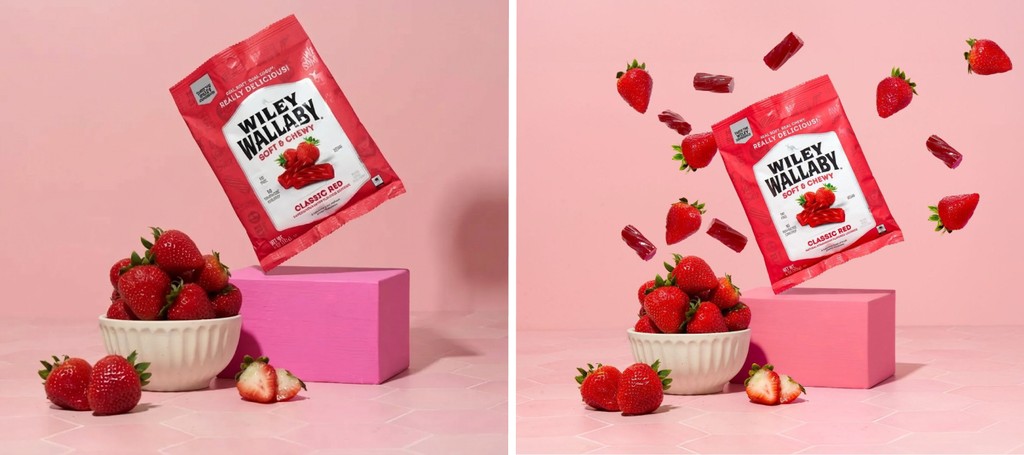
Editing Notes and Isolation: Define the scope of retouching upfront. If you need isolated images for composite work, the photographer has to know before the shoot. Otherwise, you won't have the separate elements to create that final image.
The Wiley Wallaby composite is a good example. That floating bag with strawberries and licorice? It required isolated elements, specific editing notes, and background specs. All defined in the brief before the camera came out.
Timelines, Approvals, and PM Integration

A brief without a timeline is just a wishlist. This section ties the creative work to the business reality: who approves what, when deliverables are due, and where the project lives.
Project Management Integration: Link the Photography Brief to the corresponding project in your PM tool (we use Monday.com). This keeps the brief connected to the larger workflow instead of floating in someone's inbox.
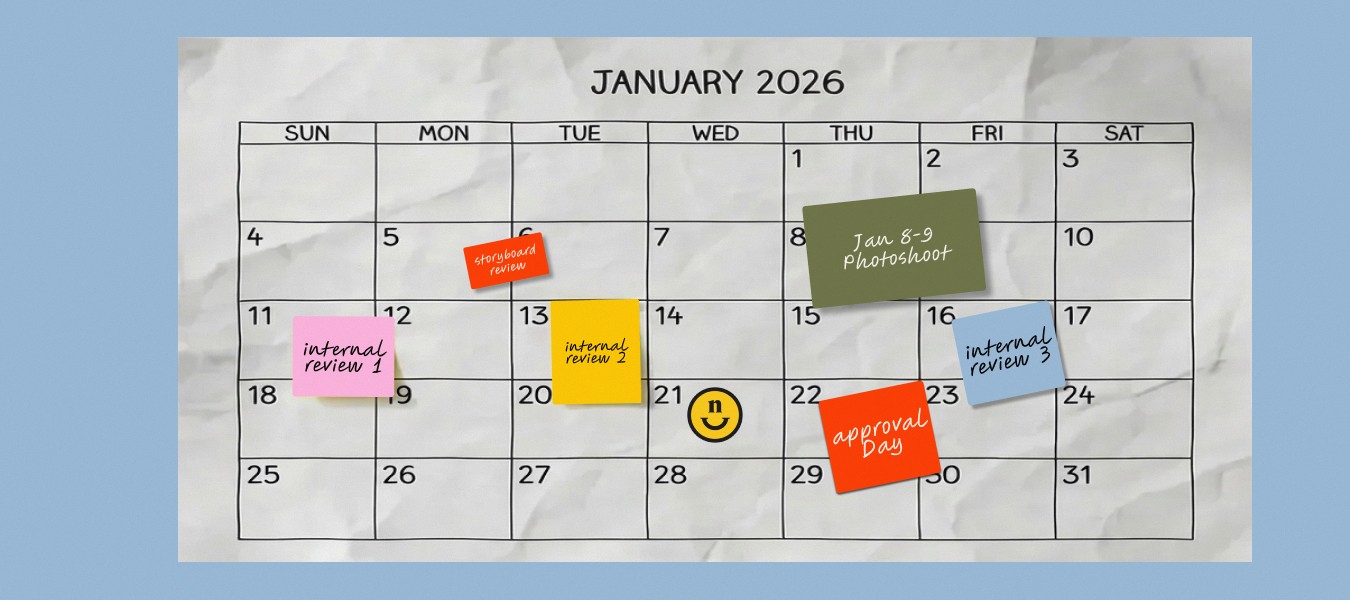
Timeline: Define the hard due date for final deliverables. Work backward from launch to build in buffer for reviews and revisions. If the deadline isn't in the brief, it doesn't exist.
Approval Chain: Identify who signs off on the final assets before they go live. Unclear approvals create last-minute bottlenecks that push launches. Name the decision-maker upfront.